










Smartphone review
Google Pixel 11 review: A good phone that makes a weak case for upgrading
The new Pixel delivers strong performance, excellent cameras and useful AI features, but its unchanged design makes it difficult to justify replacing a recent smartphone.
Top line
All in all, it feels as though Google could have released a software update instead of launching the Pixel 11. The external design remains unchanged, while most of the meaningful additions come from new Android features and deeper Gemini integration, capabilities that can also be brought to existing devices.
The Pixel 11 costs around NIS 3,200 ($1,067), although a more expensive Pro model is also available. At that price, you could, for example, buy a base-model S26 with twice the storage. The new Pixel also reinforces the argument that there is little reason to upgrade every year. If you own an older Android phone, the differences may be significant, but if your device is only a year or two old, you can probably wait for the next generation.
How often should you upgrade or replace your smartphone? The question has been around for years, and there is no single answer. Some people feel compelled to replace their device every year, while others are perfectly happy using the same phone for several years. In recent years, the differences between successive models have narrowed, suggesting that a two-year upgrade cycle, at the very least, is sufficient.
Build and design: More of the same
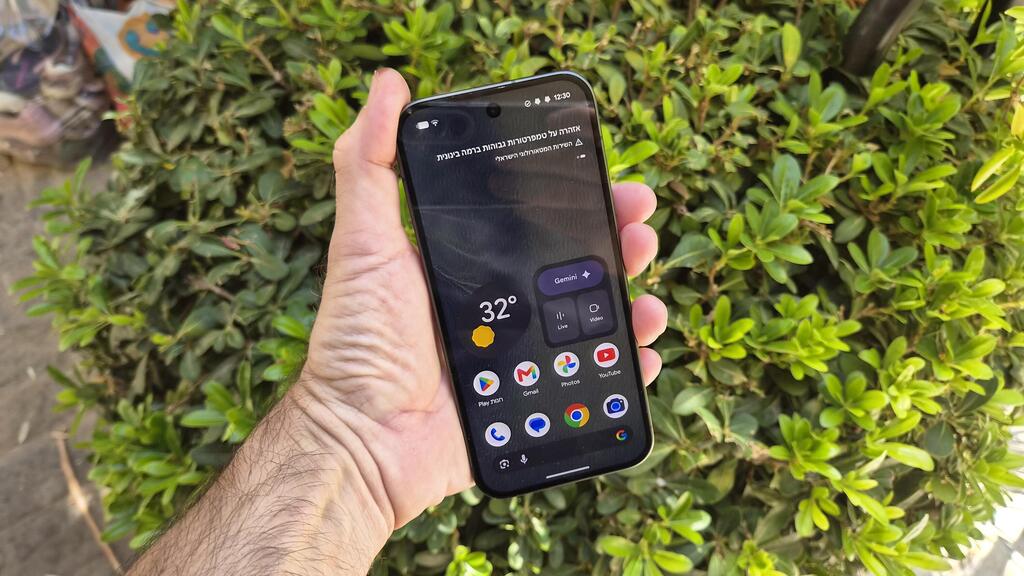
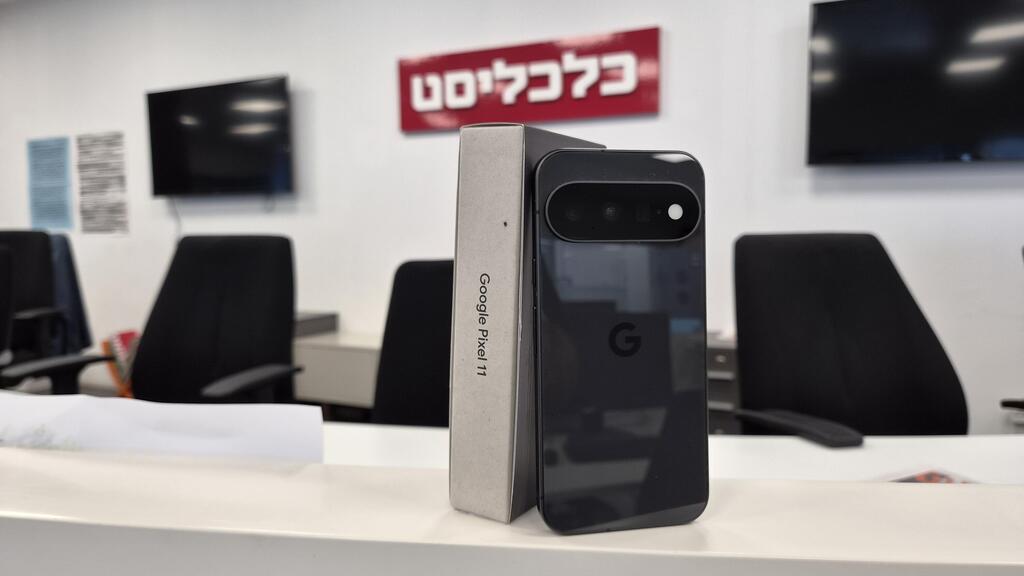
Externally, the Pixel 11 is virtually identical to its predecessor.
It has exactly the same dimensions, although its weight has dropped by 7 grams to just under 200 grams. That follows the Pixel 10, which itself introduced few visible changes compared with the previous generation.
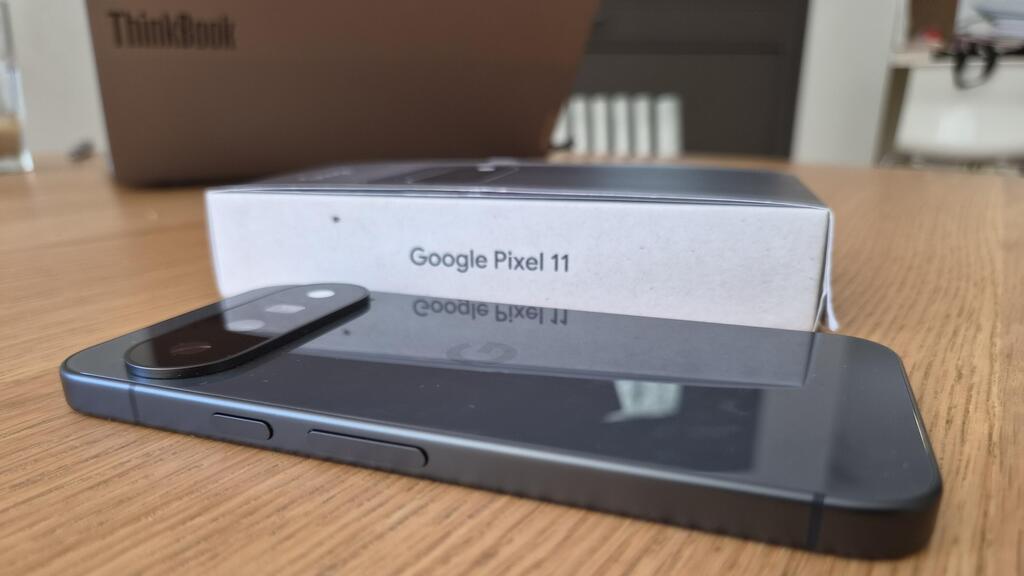
The Pixel 11 feels like a solid, unified device. It is somewhat thick and, despite the modest weight reduction, still feels slightly heavy. The screen remains 6.3 inches, while the somewhat confusing button arrangement is unchanged: the power button is on the right side, above the volume controls.
The camera strip that stretches across the back of the phone is also unchanged and protrudes only slightly from the body. One advantage of the long strip is that the phone remains relatively stable when placed on a table or other flat surface, with very little wobbling.
With the rest of the design unchanged, the level of protection is also the same. Both the front and back are covered with Gorilla Glass Victus 2, while the phone carries an IP68 rating, meaning it is protected against dust and can withstand submersion in water for up to 30 minutes at a depth of 1.5 meters.
Hardware: More power, but some heat remains
There is a welcome upgrade under the hood. The Pixel 11 is powered by Google’s Tensor G6 processor, replacing last year’s Tensor G5, and comes with 12GB of RAM. Another welcome change is the doubling of the base storage capacity, from 128GB in the previous model to 256GB.
The combination delivers good performance. The phone feels responsive, apps open quickly, and it handles everyday tasks, and considerably more, with ease.
But the Pixel 11 still tends to heat up. This is noticeable when running relatively demanding games and while charging, and the phone can become warm after a relatively short gaming session. It is a characteristic carried over from the previous generation.
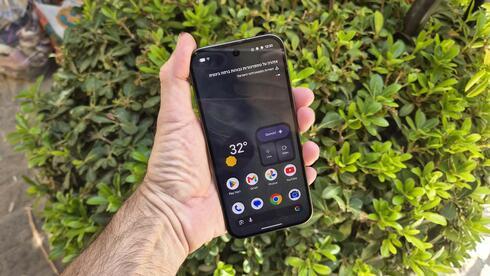
The display is another strong point. Colors are reproduced well, brightness is high and reflections are limited, making the screen easy to view even in direct sunlight.
Battery capacity has increased slightly to 4,985mAh, providing enough power for roughly a day and a half to two days of use. The phone supports 30W charging, although there is no charger in the box. Using a fast charger, the battery went from 15% to 50% in 20 minutes and reached a full charge in about one hour and 20 minutes.
Software and interface: Google’s AI pitch
This is where Google is putting most of its emphasis with the Pixel 11.
Google uses the Pixel line to showcase Android and introduce features that are initially exclusive to its own devices. Over time, however, many of these features make their way to other manufacturers. Google, for example, introduced its photo object-removal tool as a Pixel 6 exclusive in 2021; today, similar capabilities are standard on many smartphones.
The Pixel 11 runs a clean version of Android 17, without the additional software layers found on many competing Android phones. It naturally comes with Google’s own suite of applications, including Drive, Docs, Notebook and Files. Navigation relies on gestures rather than dedicated Home and Back buttons.
This generation places particular emphasis on content creators. The camera app now includes a dedicated Creator tab that allows users to preview the framing that will appear on social media, helping them compose shots accordingly. There is also a built-in teleprompter for viewing a script while recording, as well as the ability to organize footage by project.
Another new feature is Magic Shot. The idea is to leave the camera running in video mode while Gemini automatically identifies moments that are worth saving as still photographs.
The concept works, and the phone generates still images in real time while recording. But I found it difficult to completely relinquish control over which moments should become photographs. The selections were not always ones I would have made myself, although that is inevitably a matter of personal preference.
There is another practical drawback: to use Magic Shot, you have to record video. That means ending up with additional video files taking up storage space. The feature works, but it takes some getting used to.
The Pixel 11 also retains Photo Assistant from the previous generation. Gemini analyzes an image before it is taken, breaking down its elements and suggesting what to focus on to improve the shot. It can be useful, but it introduces an extra step: you have to wait for Gemini's recommendations rather than simply taking the photograph.
Gemini also operates in the background in other parts of the phone. Some of its newer capabilities, however, are limited to English or specific countries. Google, for example, announced that Gemini would be able to carry out tasks within certain applications, such as booking a ride or ordering groceries. That functionality is not available in Israel.
Google has also introduced Rambler, a tool designed to clean up audio recordings by removing unnecessary pauses such as “uh” and “um” while generating a transcript. The feature is not available in Hebrew. When I tested it in English, the transcription was not always accurate; in one instance, it even retained some of the pauses it was supposed to remove.
The broader problem is that many of these software features are difficult to use as a reason to buy a new phone. Some are genuinely useful, but many will likely eventually reach other Pixel models and Android devices from other manufacturers.
Cameras: Excellent in low light
The Pixel 11's cameras remain one of its strongest features. Even without the new shooting modes or major hardware changes compared with the previous generation, they produce very good photographs, including in low-light and nighttime conditions.
The phone has three rear cameras: a 48-megapixel main camera, a 10.8-megapixel telephoto camera with 5x optical zoom, and a 13-megapixel ultrawide camera. There is also a 10.5-megapixel front-facing camera.
In daylight and other well-lit conditions, the cameras produce excellent images, while the relatively powerful optical zoom is a definite advantage. Digital zoom is also usable up to around 10x. Beyond that point, it remains functional and can occasionally be useful, but image quality begins to suffer.
The low-light performance is particularly impressive. Night photographs appeared significantly brighter than the environments in which they were taken while retaining a high level of sharpness.