










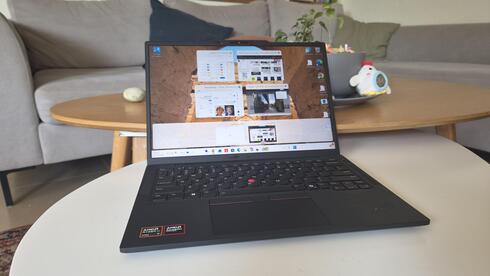
Laptop review
The ThinkPad X13 is almost boring, and that’s exactly the point
Lenovo’s latest 13-inch ThinkPad skips the flashy design and focuses on the basics that matter for work, including a comfortable keyboard, low weight, bright screen and all-day battery life. At $2,700, however, that no-nonsense approach comes at a premium.
Top Line
The ThinkPad X13 isn't particularly exciting or flashy. Essentially, it is a workhorse that will get you through a full workday without weighing you down when you're on the go or taking up much space on your desk. Beyond its size and weight, it offers a very comfortable keyboard, a bright screen, and ample ports for external peripherals. That might not sound like much, or might even seem like a given, but it is actually quite significant. Of these features, its weight stands out as one of the laptop's key advantages.
The model we tested costs approximately NIS 8,400 ($2,761), although opting for different specifications, such as less RAM or lower storage capacity, could significantly reduce the price. Even so, this is not a budget-friendly model aimed at the mass market. Even with a different configuration, the price remains relatively high.
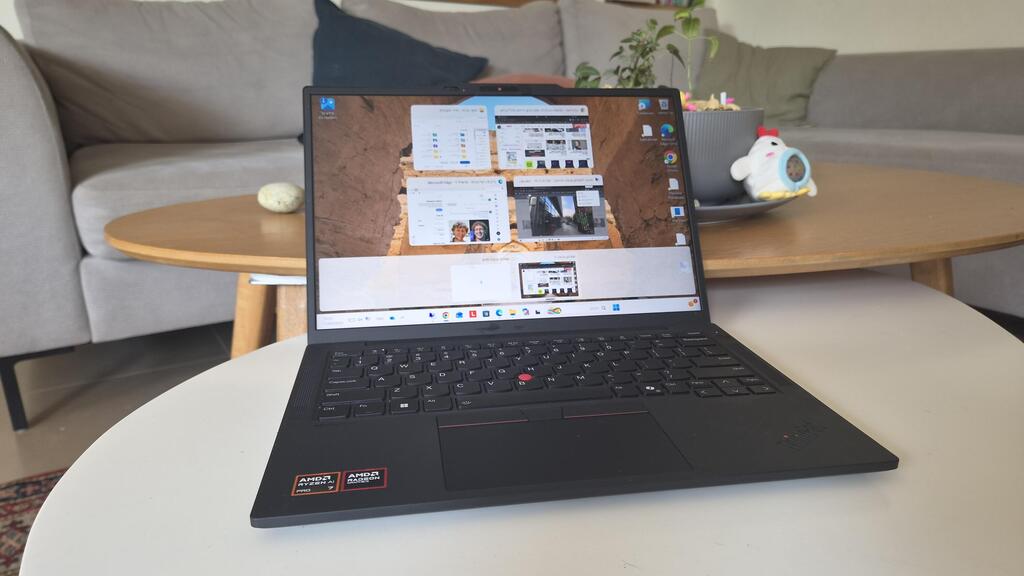
Lenovo has a long-standing trump card: the ThinkPad series has become a benchmark for powerful, durable laptops aimed primarily at business users. These machines have a consistent look, typically black boxes with clean lines, and offer a wide array of ports, a comfortable keyboard, as is typical of Lenovo models, and a practical touchpad.
Every now and then, Lenovo experiments with design changes to the series, ranging from different color schemes and redesigned keyboards and touchpads to a more limited selection of ports.
Now, a new model in the series has arrived: the seventh-generation ThinkPad X13. At first glance, it appears to remain true to the series' spirit in both design and specifications. We put it to the test to see what it offers in exchange for its rather steep price of NIS 8,400 ($2,761).
Build and design: Compact and lightweight
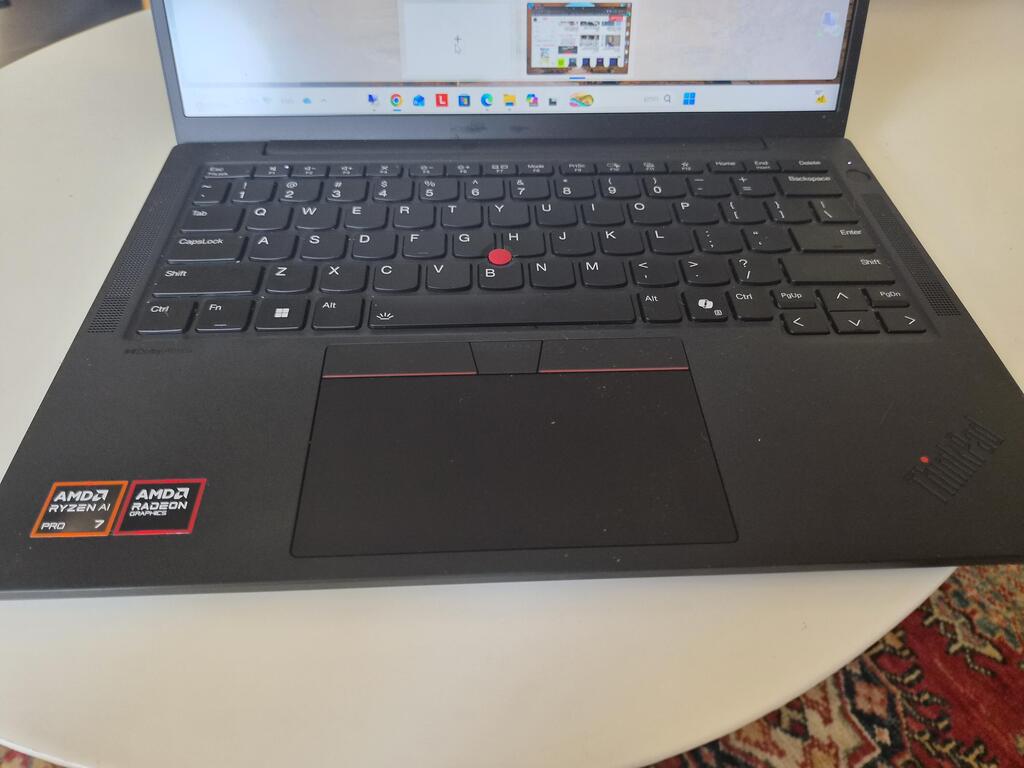
The new X13 looks like just another laptop in Lenovo's long-running series. It is black, features the company's familiar touchpad, complete with three buttons positioned above it, and includes Lenovo's signature red "joystick" nestled among the keyboard keys.
As the name implies, the laptop is equipped with a 13-inch screen. At first, it looked and felt a bit small, although I actually quite like 13- to 14-inch screens, partly because they help keep a laptop relatively lightweight. After that initial impression, however, the screen didn't feel small during day-to-day use, and I managed just fine with it. Of course, that is a matter of personal preference.
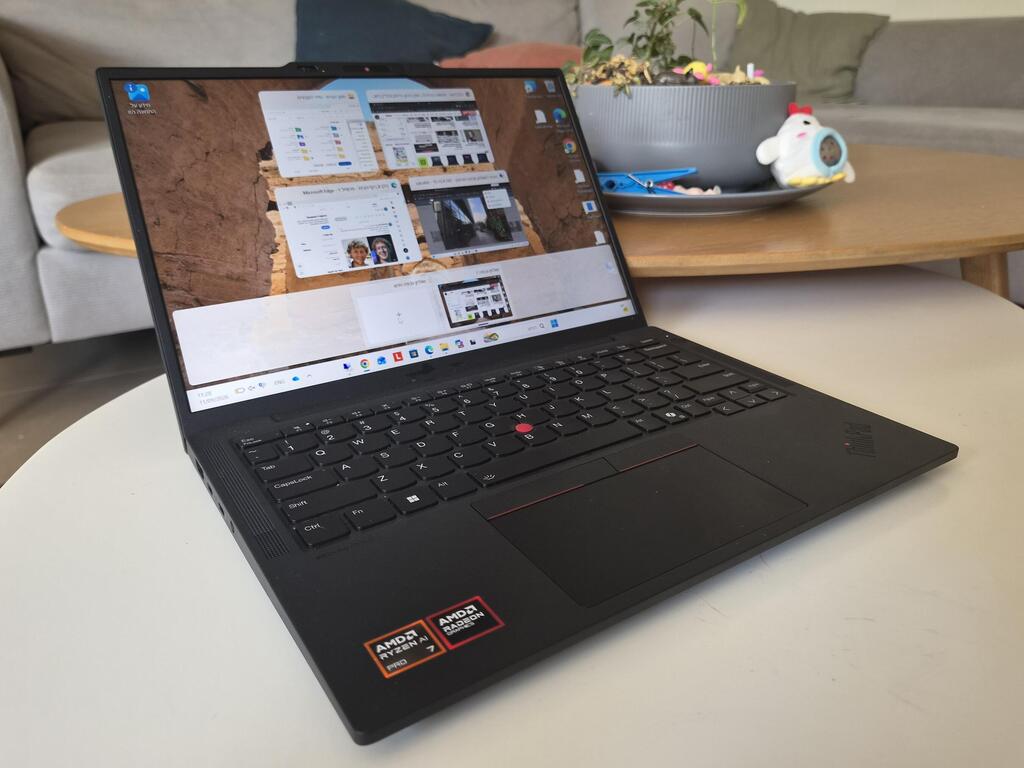
The weight is indeed low: the X13 weighs just under 1 kg and felt incredibly light the moment I took it out of the box. When I slipped it into my backpack and carried it around, the difference compared with my usual laptop, which weighs about 1.4 kg, was immediately noticeable.
The chassis feels like plastic, but it is actually made of carbon fiber, a strong and durable material designed to withstand various knocks and shocks. Although the computer's chassis is quite compact, as you would expect given the screen size, there is room for speakers on either side of the keyboard. The keyboard itself is very comfortable to use, as one would expect from Lenovo, and even more so than on the company's entry-level models. It also features under-key backlighting for working in dark environments.
Hardware: Powerful and quiet
Lenovo offers the X13 in several configurations. The unit I tested featured an AMD Ryzen AI 7 PRO 450 processor and Radeon 860M graphics, paired with 32GB of RAM and 1TB of storage. Options with Intel processors, as well as different memory and storage capacities, are also available.
The processor's name implies AI support, of course, and the specifications are robust enough for any daily task, or even more demanding workloads. While using the device, including keeping numerous Chrome tabs open simultaneously while connected to a remote computer at Calcalist, I didn't notice it heating up.
On one occasion, when I connected an external device to the USB port for charging, I heard a faint background noise that was slightly different from the usual. It took me a moment to realize that it was the cooling fan kicking in. It was a remarkably subtle sound.
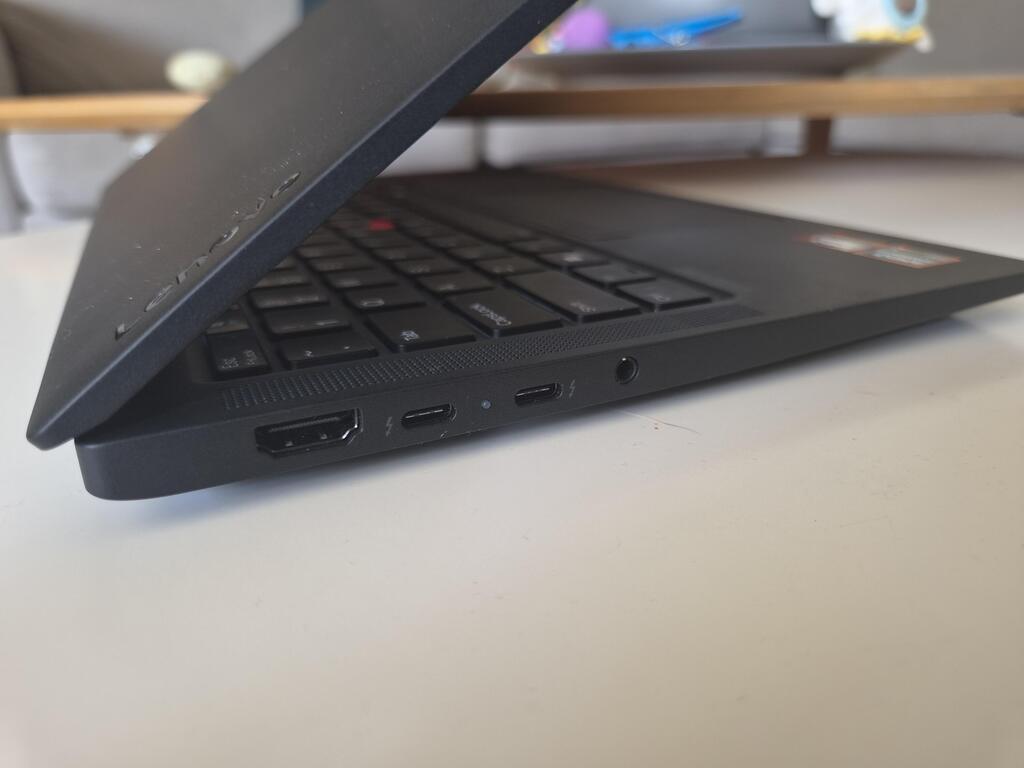
As for connectivity, the selection isn't vast, but it covers the basics. The right side houses a single USB-A port, while the left side features an HDMI port, two USB-C ports, and a 3.5mm audio jack for wired headphones. There is no card reader or LAN port, features that were once standard on ThinkPads but have become less common in recent years. If needed, however, you can connect an adapter or docking station to attach additional peripherals or an external monitor.
The power button also doubles as a fingerprint reader.
The X13's screen lacks touchscreen support but offers high brightness levels, making outdoor use feasible. That said, direct sunlight can still be challenging, so finding a bit of shade is preferable. A physical privacy shutter sits next to the webcam at the top of the screen, providing a simple solution that I prefer to toggling a keyboard key or changing system settings.
The battery lasts a full workday, although this naturally depends on the length of your shift and your workload. A 65W USB-C charger is included. It charges the battery from 20% to 50% in 25 minutes, with a full charge taking just over an hour.
Software: AI is already built in
Two years ago, AI support in computing was new, exciting and revolutionary. Today, it is increasingly taken for granted.
The X13 comes with Windows 11 and Microsoft's Copilot tools, which have transformed the classic Paint program into an advanced image-editing tool capable of removing backgrounds, generating images and stickers, removing objects and more. The photo gallery also offers AI-based image creation features, alongside the Copilot chat interface.
Of course, you're not limited to Microsoft's tools. You can also install third-party software with a range of AI capabilities.
Lenovo offers its own AI software, which I've encountered on previous models and the company's tablets, called "Lenovo AI Now." However, it currently lacks Hebrew support and offers no distinct advantage. In fact, the lack of Hebrew support is a drawback. Consequently, you might as well use Gemini, ChatGPT, Claude or any other service you prefer.